Visual Field Analyzer
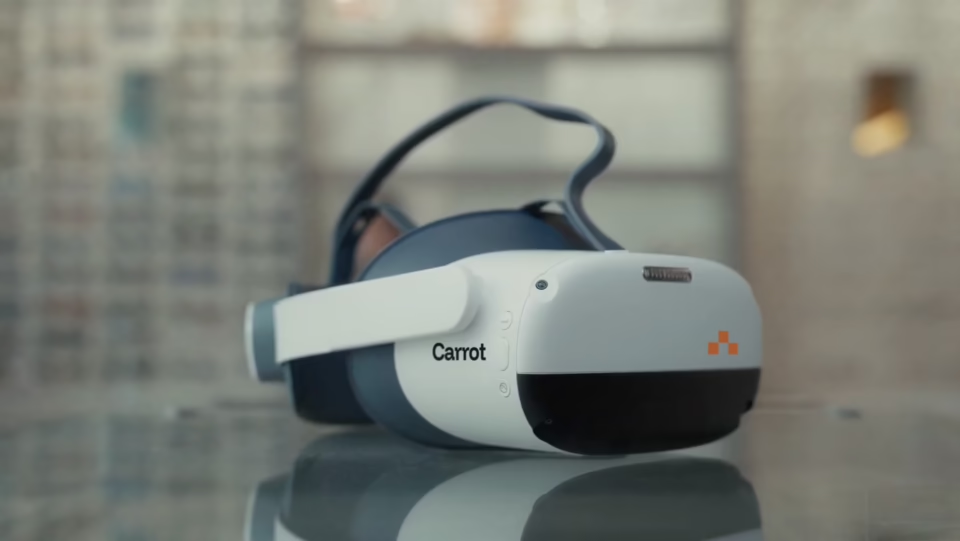
The Fastest VR Visual Fields. No Dark Room Needed.
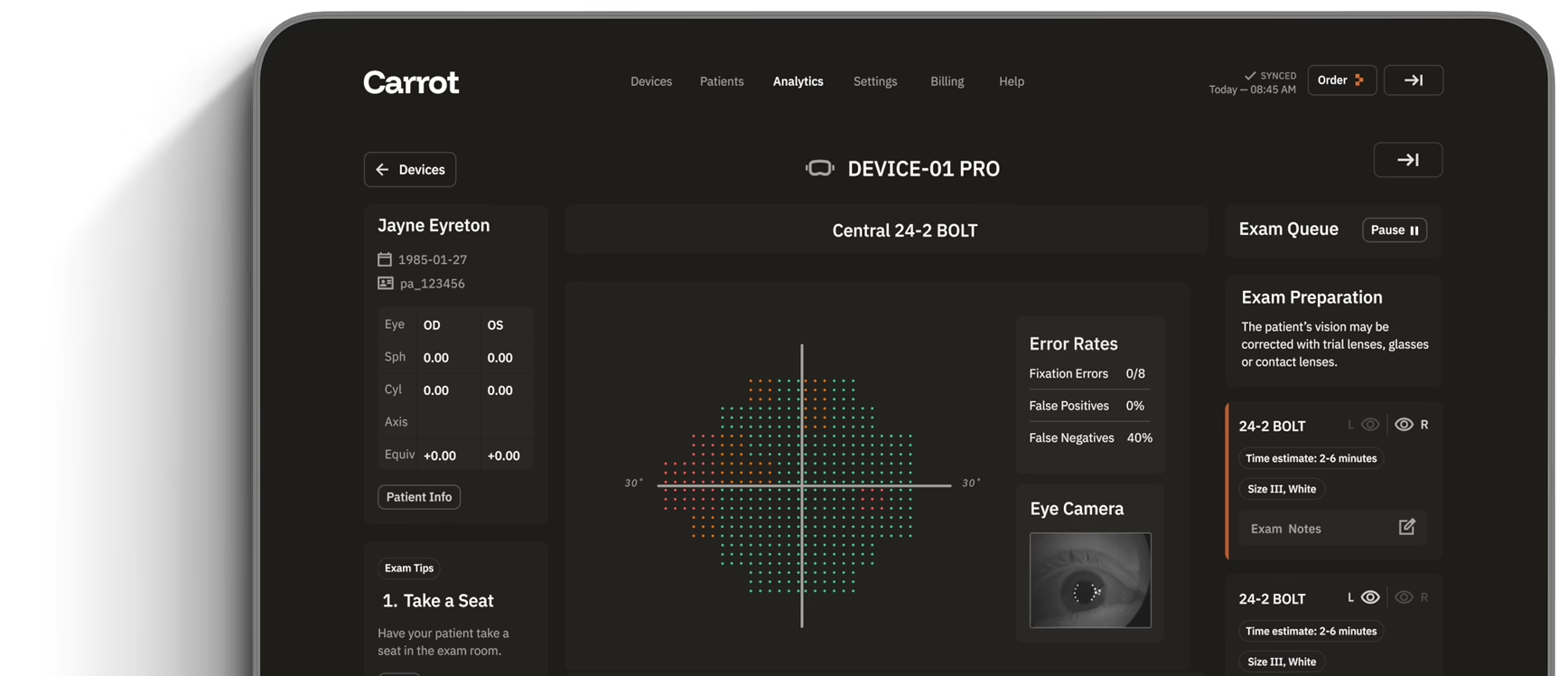









How It Works
Every Visual Field Test in One Headset
Visual Field Perimeter Features
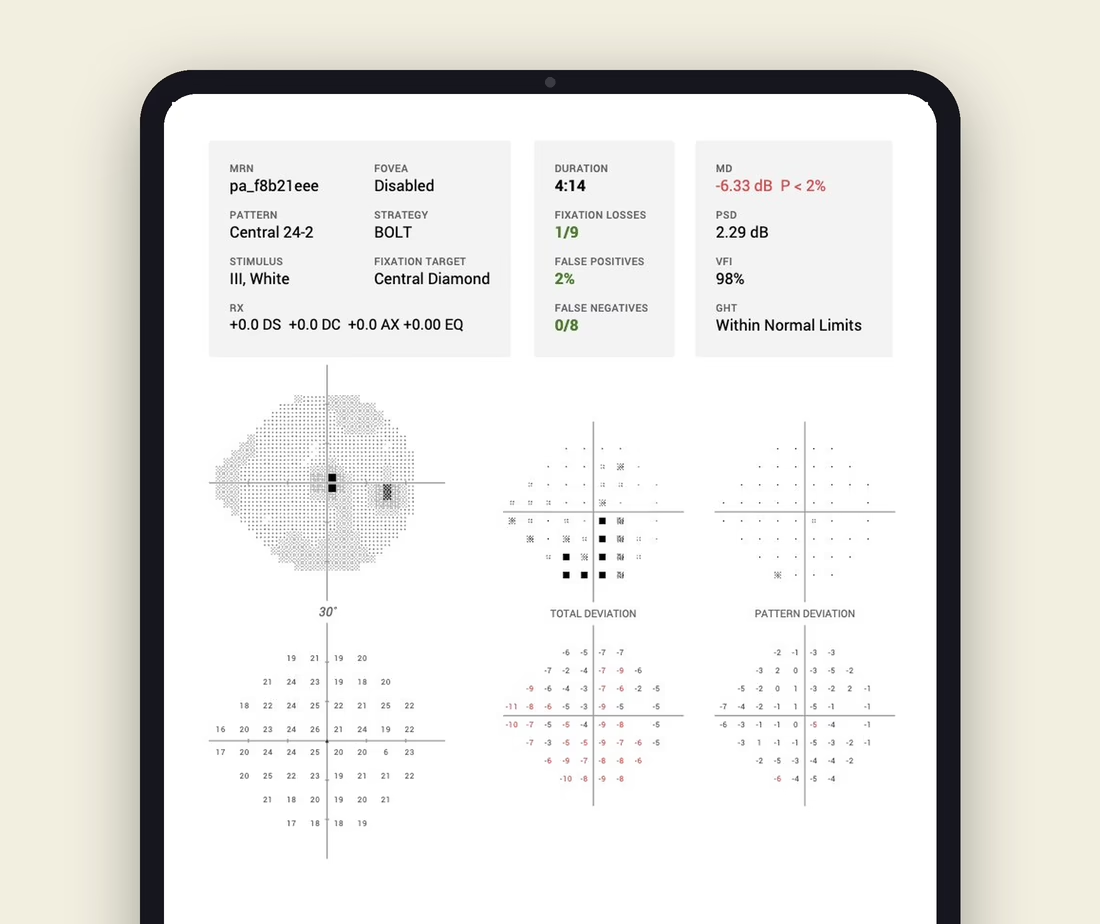
Threshold Perimetry
Visual Field Perimeter Features
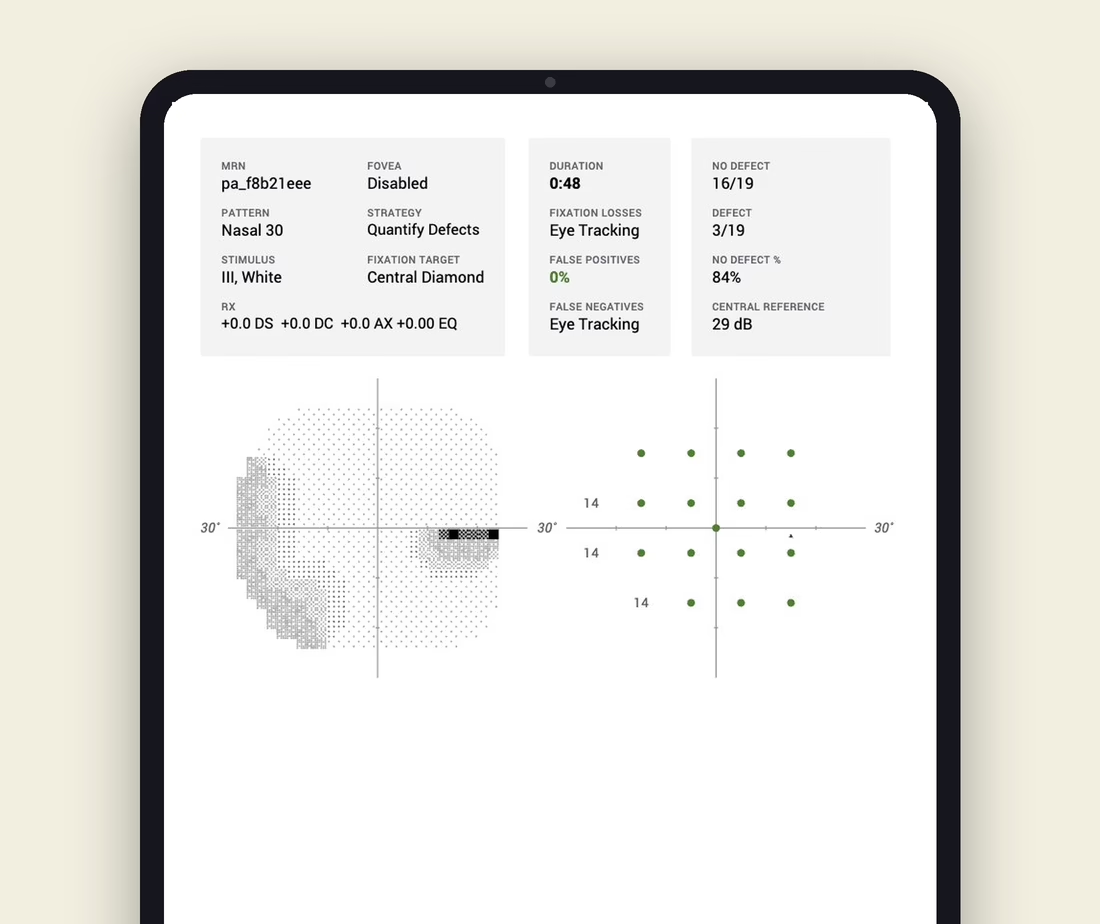
Suprathreshold Screening
Visual Field Perimeter Features
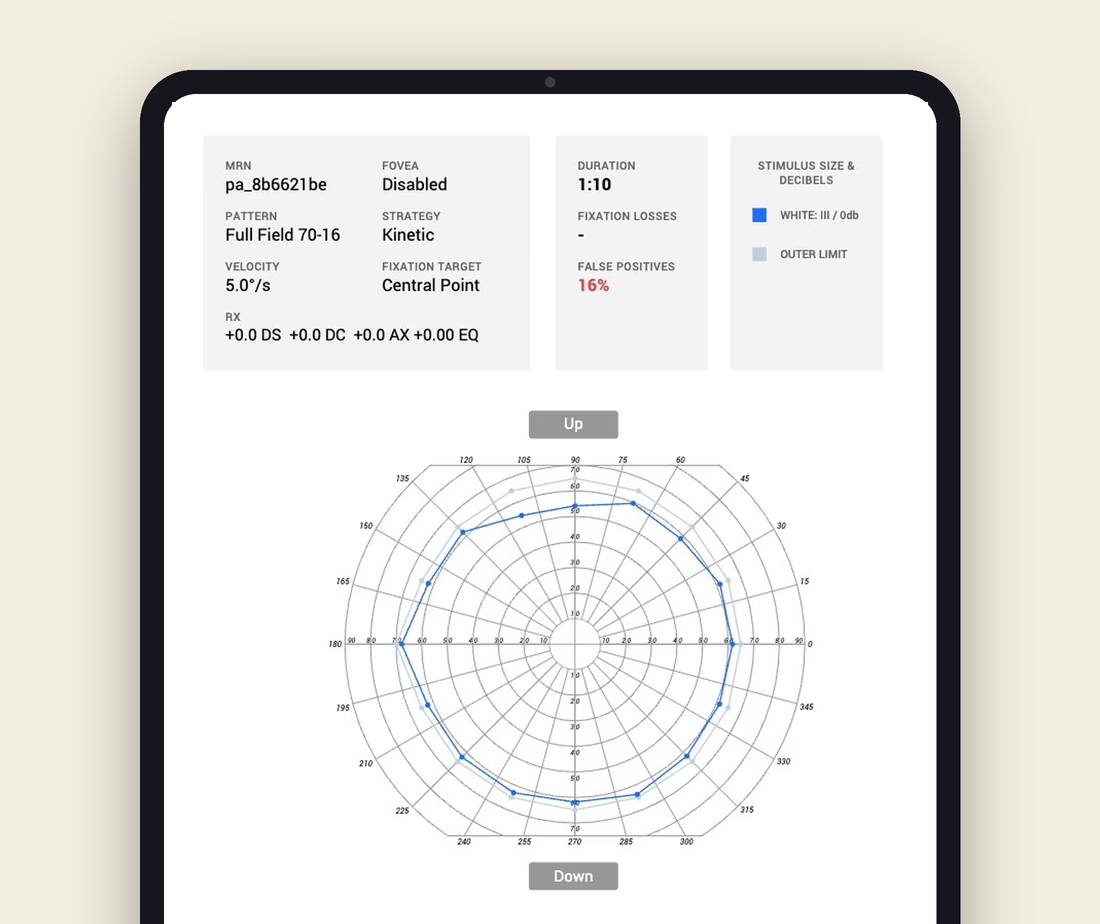
Kinetic Perimetry
Visual Field Perimeter Features
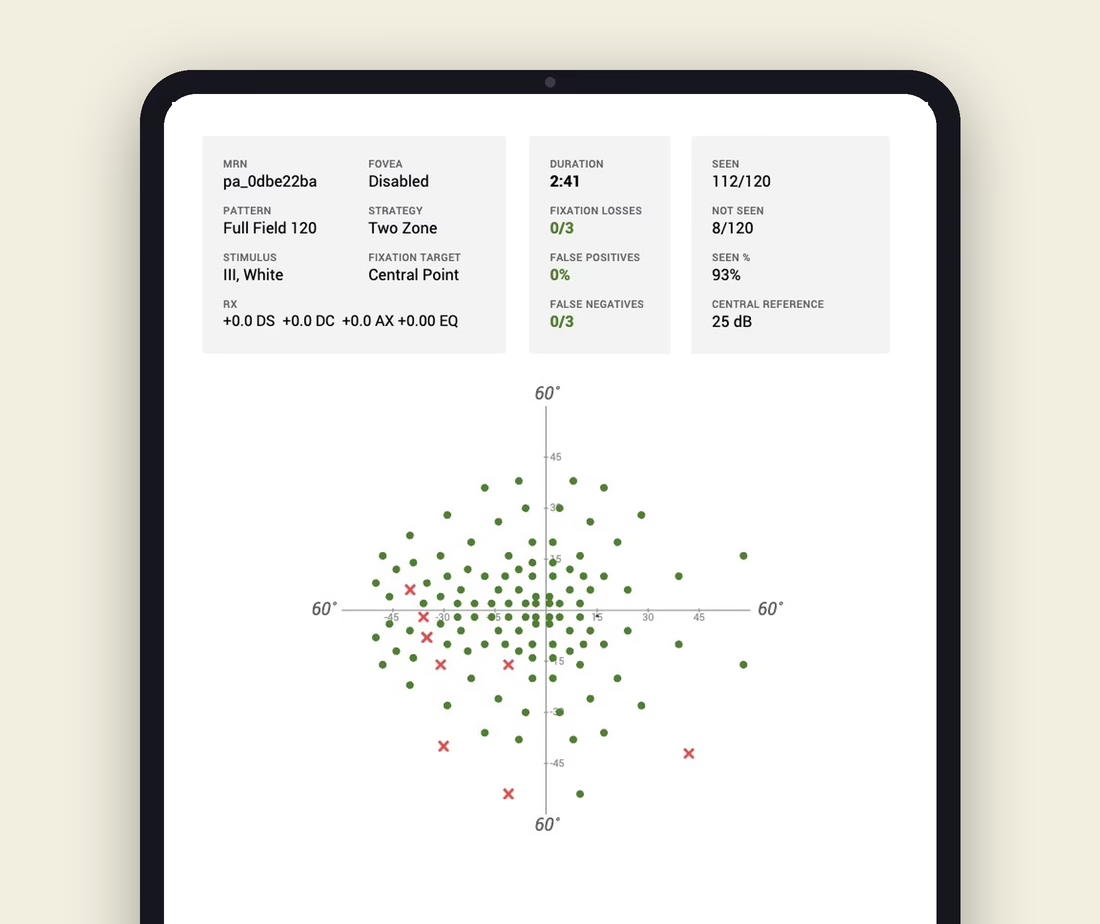
Full-Field Testing
Visual Field Perimeter Features
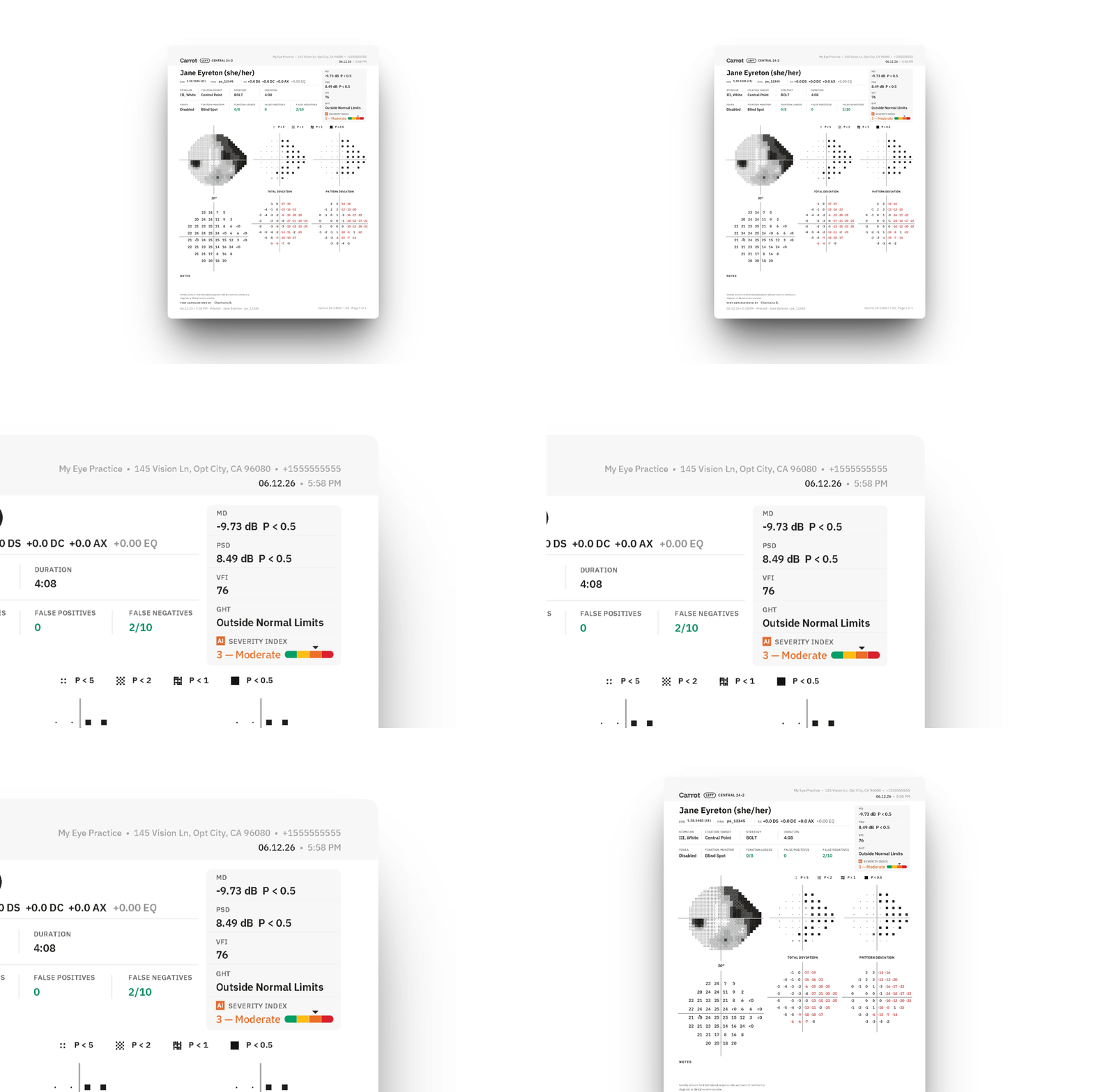
AI-Powered Visual Field Severity Indexing
Free Trial
Bring Carrot Into Your Clinic—Free for 30 Days.
The New Gold Standard in Automated Perimetry
Carrot set the standard for VR visual fields when we introduced the first virtual visual field system in 2018. Today, our clinically validated testing is benchmarked against SITA, delivering accurate, repeatable results that support confident diagnosis and a seamless transition to modern visual diagnostics.
Testimonials
Why Your Peers Choose Carrot
FAQs
Questions about Carrot?
How does Carrot's visual field testing compare to a Humphrey Field Analyzer?
Carrot’s visual field test is clinically equivalent to the Humphrey Field Analyzer, validated across a clinical dataset of more than four million exams and supported by independent academic research including a published Weill Cornell study. Results are reported using the same threshold values, the same global indices (MD, PSD, VFI), and the same protocols (24-2, 10-2, 24-2C, Esterman). Your team reads the report exactly the way they read a Humphrey printout today—no retraining, no new interpretation framework, no parallel data system to manage.
What test protocols does Carrot support?
Carrot’s visual field platform supports the four most clinically common threshold protocols: 24-2 (standard glaucoma testing), 10-2 (central 10° testing for macular disease, advanced glaucoma, and hydroxychloroquine toxicity monitoring), 24-2C (24-2 with additional central cluster points), and Esterman (binocular driving and occupational visual field testing). All four run on the same wireless headset, queue from the same exam list, and report into the same EMR pipeline.
How long does a 24-2 take?
A standard threshold 24-2 exam typically takes 2-3 minutes per eye on Carrot. Patient cooperation, attention, and reliability indices can extend the test duration as they do on any threshold perimeter.
What CPT codes does Carrot's visual field exam support?
Carrot’s visual field protocols map to the three standard perimetry CPT codes. 92081 (limited or screening visual field) for brief screening exams, 92082 (intermediate visual field) for moderately detailed exams, and 92083 (extended threshold visual field) for full threshold testing—the most commonly billed code in glaucoma practice. Esterman binocular testing is documented and reported in the format DMV and occupational regulatory bodies expect. Specific reimbursement rates and code selection guidance vary by payer and clinical scenario—consult your billing team or the most recent Medicare Physician Fee Schedule for current figures.
How is fixation monitored during the exam?
Carrot’s integrated infrared eye tracking monitors fixation continuously throughout the exam, not at intermittent Heijl-Krakau blind-spot checks. The result is reliability data that reflects every stimulus presentation, not a sampled subset—and the ability to flag off-fixation responses the moment they happen, rather than catching them after the patient has missed several points.
Can I run multiple exams in the same session?
Yes. Carrot’s visual field testing runs on the same wireless headset as contrast sensitivity, pupillometry, ocular motility, and color vision. Technicians can queue multiple exams in a single patient session through the Carrot portal—one device, one setup, one consolidated report set—without moving the patient between rooms or devices or relaunching the headset between tests.
Does the data integrate with my EMR?
Yes. Carrot exports visual field results as a structured PDF report and, with DICOM 360 Sync (available with Pro subscription), automatically transmits results to your EMR/EHR and PACS, matched to the correct patient record. Results route into the same chart location your team already pulls Humphrey reports from, so the clinical workflow doesn’t change—only the device producing the data does.